
The short answer
You can track money well without paying a fortune. Here is how to pick the best accounting software for a small business, including strong free tools that cover the basics.
- Free tools can handle the basics for many small businesses.
- Invoicing and expense tracking are the features you will use most.
- Ease of use matters more than a long feature list.
- Upgrade only when your needs clearly outgrow the free plan.
Yes, you can track your money well without paying a fortune, and the best accounting software for small business owners is often the one that does the essentials cleanly, even on a free plan. The right tool records income and expenses, sends invoices, and shows where your money is going, so you spend less time guessing and more time running the business. What matters is matching the software to how you actually work, not chasing the longest feature list.
Good accounting software should make your finances clearer, not more confusing. If a tool makes you dread bookkeeping, it is the wrong tool, no matter how powerful it claims to be.
Here is the short version before we compare options:
- Free tools can handle the basics for many small businesses.
- Invoicing and expense tracking are the features you will use most.
- Ease of use matters more than a long feature list.
- Upgrade only when your needs clearly outgrow the free plan.
What best really means for small business accounting
There is no single winner, because the best choice depends on your business. A freelancer sending a few invoices a month needs something very different from a shop tracking inventory and staff.
Instead of hunting for a perfect tool, look for the right fit. Ask what you truly need it to do, how comfortable you are with numbers, and how much time you want to spend on the books. The best software is the one you will actually keep using, because consistency beats features every time.
Can free accounting software actually be good?
Free does not have to mean flimsy. Many free plans cover exactly what a small or new business needs, which is honest records and paid invoices, without a monthly bill hanging over you.
Providers offer free tiers for a simple reason: they hope you will grow and eventually upgrade. That works in your favor early on. You get real, useful features now and only pay later if and when your needs expand. For a business watching every dollar, that is a fair trade rather than a catch.
Free bookkeeping software: what to expect
Solid free bookkeeping software should cover the fundamentals of keeping your records straight. At a minimum, look for the ability to log income and expenses, sort them into categories, and see a clear summary of your finances.
Good free bookkeeping tools typically let you:
- Record money coming in and going out.
- Categorize transactions so you can see where money goes.
- Produce simple reports on income, expenses, and profit.
- Keep tidy records for tax time and future decisions.
If a free tool does those things reliably, it can carry a small business a long way. Fancy extras are nice, but clean, consistent records are what actually protect you when it matters.
Invoicing software and getting paid
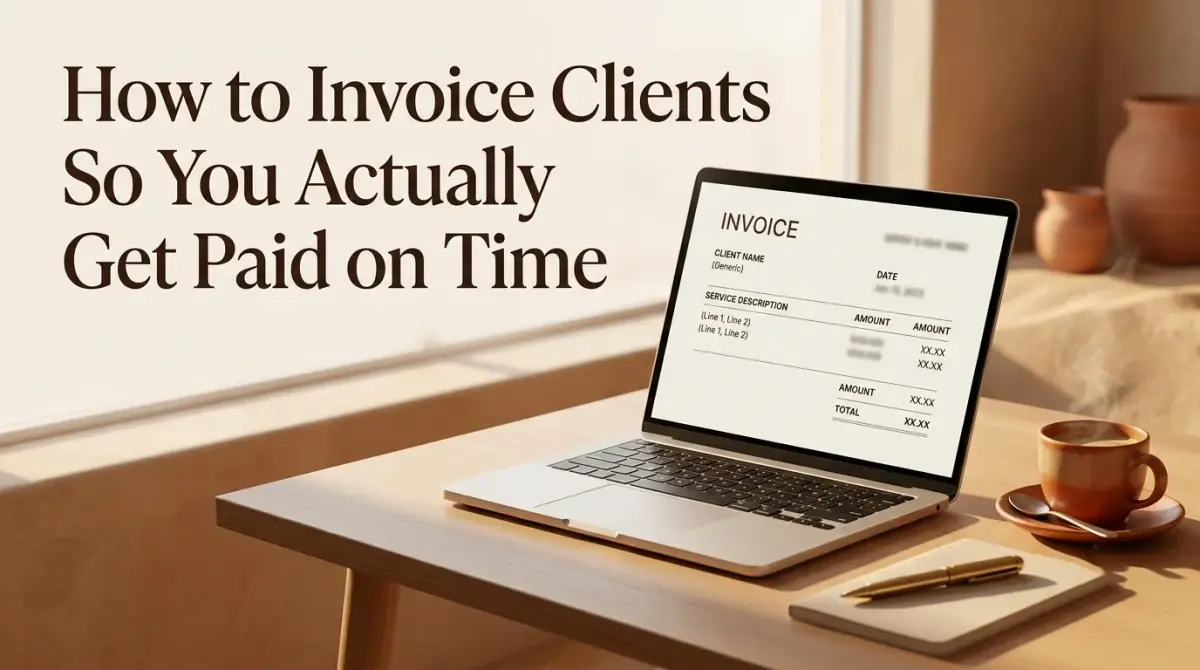
For anyone who bills clients, invoicing is the feature that pays the bills, quite literally. Good invoicing software lets you send clear, professional invoices quickly and see which ones are still unpaid.
Look for the ability to create branded invoices, set due dates and terms, and track their status at a glance. Some tools also send polite reminders for overdue invoices, which quietly improves your cash flow without any awkward chasing on your part.
Because getting paid on time is often the difference between a smooth month and a stressful one, strong invoicing is worth prioritizing when you compare tools, even ahead of features you might rarely touch.
Small business accounting tools worth having
Beyond the basics, a few small business accounting tools save real time as you grow. You may not need all of them today, but it helps to know what is out there.
- Bank connections: import transactions automatically to cut manual entry.
- Expense capture: snap and store receipts so nothing gets lost.
- Reports: profit and loss summaries that show how you are really doing.
- Tax helpers: features that organize records ahead of tax season.
Add these only when they solve a problem you actually have. A tool crammed with features you never touch is not better. It is just more to learn and more to ignore.
Watch for the catches in free plans
Free is genuinely useful, but read the fine print so nothing surprises you later. Some free plans cap how many invoices or transactions you can record, limit the number of clients you can bill, or hold back reports you might eventually want.
None of that makes free tools a bad choice. It just means you should know the limits before you lean on one. Check how your data can be exported too, so that if you ever move to a paid plan or a different tool, your records come with you cleanly instead of getting stranded.
Free tiers versus paid upgrades: when to switch
Free plans are a great starting point, but there is a natural moment to consider upgrading. The signal is usually growth: more invoices, more transactions, employees to pay, or reports you can no longer produce by hand.
You should think about paying when a free tool starts costing you time or accuracy. If you are spending hours on workarounds, or worrying that something important is slipping through, a modest subscription can quickly pay for itself. Until then, there is no shame in staying free. The best plan is the one that fits where your business is right now.
How to choose the best accounting software for small business
Choosing the right tool is easier when you match it to your situation instead of the marketing. A short, honest checklist keeps you focused on what matters.
- List the tasks you truly need, such as invoicing or expense tracking.
- Favor tools that feel simple and clear the first time you open them.
- Check that it works on the devices you actually use.
- Make sure your data can be exported if you ever switch.
- Start free, then upgrade only when you clearly outgrow it.
Try one or two options before committing. A tool that clicks for you is worth more than a highly rated one you find confusing, because the whole point is that you will keep using it.
The bottom line
The best accounting software for small business owners is the one that fits your work, keeps your records clean, and gets your invoices paid, and for many businesses a strong free plan does exactly that. Start with the essentials, add features only when you need them, and upgrade when growth demands it. Tax rules vary by location, so treat this as general information rather than financial advice and confirm the requirements where you operate.

Comments
0 total