
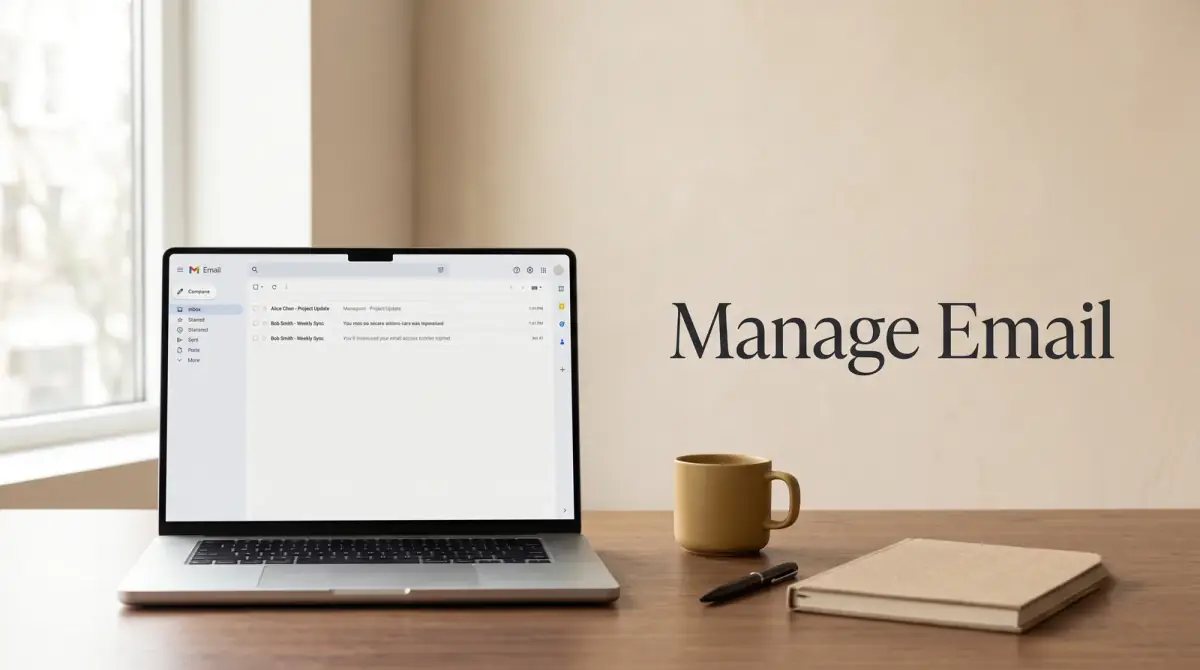
The short answer
Your inbox does not have to run your day. Here is a simple, repeatable routine of filters, folders, and batching that keeps any email account under control.
- Treat email as a task you process, not a stream you watch all day.
- Check mail in a few set blocks instead of reacting to every ping.
- Use filters and folders so routine messages sort themselves.
- Aim to clear decisions from your inbox, not to read every message.
- A short daily and weekly routine beats a rare, massive cleanout.
Managing email well comes down to one thing: a repeatable process. You sort incoming mail automatically, handle it in short focused sessions, and keep only what needs action in front of you. If you want to know how to manage emails effectively, the real answer is not a one-time inbox cleanout. It is a routine you repeat every day so your inbox stops running your schedule.
Below you will find a simple system that works in Gmail and any other account. It uses filters and folders to cut the noise, a batching habit to protect your focus, and small daily steps that keep things calm long term.
Key takeaways
- Treat email as a task you process, not a stream you watch all day.
- Check mail in a few set blocks instead of reacting to every ping.
- Use filters and folders so routine messages sort themselves.
- Aim to clear decisions from your inbox, not to read every message.
- A short daily and weekly routine beats a rare, massive cleanout.
Why your inbox feels out of control
An overflowing inbox is rarely a discipline problem. It is a design problem. Most people leave email open all day and let every new message interrupt whatever they were doing.
That means you handle the same message several times: you read it, feel a small jolt of stress, then close it without deciding anything. Multiply that by a hundred messages and the day disappears.
The fix is to stop treating your inbox like a live feed. Instead, treat it like a tray of tasks you empty on a schedule. That single shift removes most of the pressure.
How to manage emails effectively: the core routine
The heart of learning how to manage emails effectively is a simple loop you run each time you open your inbox. The goal is to touch each message once and make a clear decision about it.
Process, do not just read
When you open a message, pick one of four actions right away:
- Delete or archive if it needs nothing from you.
- Do it now if a reply takes under two minutes.
- Defer it by turning it into a task or calendar entry if it needs real work.
- Delegate it if someone else should handle it, then forward and move on.
The point is to decide, not to reread. A message you leave in the inbox unread is a decision you have simply postponed.
Batch your email time
Instead of checking constantly, open your inbox in a few blocks a day. Two or three sessions is enough for most people. Close the tab in between.
Batching protects your deep work. Every time you switch to email and back, your brain pays a small focus tax. Fewer switches mean more real output.
Set up folders and labels that make sense
A tidy inbox needs somewhere for mail to go once you have dealt with it. You do not need dozens of folders. A few broad ones work better because you spend less time deciding where things belong.
A simple structure many people find useful:
- Action for anything that still needs a response or task.
- Waiting for messages where you are waiting on someone else.
- Reference for things you may need to find later.
- Archive as the catch-all for everything else you have handled.
Modern search is powerful, so you rarely need a deep folder tree. When you want an old message, searching by sender or keyword is usually faster than clicking through folders.
Use filters to sort mail automatically
Filters are the biggest time-saver in any email management routine. They let routine mail skip your inbox entirely and land where it belongs.
Think about which messages arrive on a predictable schedule: receipts, newsletters, notifications, and reports. These rarely need an instant reply, so there is no reason for them to interrupt you.
Set up rules that automatically label or move these into folders. For example, send all shipping confirmations to a Reference folder, or route team notifications to their own label. You can then scan them on your own time.
Spend twenty minutes building filters once, and you save a little effort every single day after that. That is the kind of trade worth making.
How to manage emails in Gmail specifically
If you use Gmail, a few built-in features make this system easier. Knowing how to manage emails in Gmail is mostly about using tools you may already have.
- Labels instead of folders. Gmail uses labels, which act like folders but let one message carry several tags at once.
- Filters. Open a message, choose to filter messages like it, and tell Gmail to label, archive, or star matching mail automatically.
- Categories. Gmail can split your inbox into tabs like Primary, Promotions, and Social, which keeps marketing mail out of your main view.
- Search operators. Type things like from: or has:attachment to find messages fast without folders.
- Snooze. Push a message out of sight until a time when you can actually deal with it.
Other services offer similar tools under different names. The principles are the same wherever your mail lives.
Build a daily and weekly email routine
A system only works if you run it on a schedule. Two small routines keep your inbox healthy without much effort.
Daily: In each email block, process new messages using the delete, do, defer, delegate loop. Try to leave the inbox as empty of decisions as you can before you close it.
Weekly: Once a week, spend fifteen minutes on a quick review. Clear your Action folder, check your Waiting folder for anything stalled, and unsubscribe from a few senders you no longer read.
You do not need a perfectly empty inbox to feel in control. You need an inbox where nothing important is hiding and every message has been given a decision.
Habits that keep your inbox calm
A few ongoing habits make the whole system easier to sustain. None of them takes real effort once they become automatic.
- Turn off most notifications. You do not need a buzz for every message. Let email wait for your next block.
- Write shorter replies. Clear, brief answers get faster responses and shrink the back-and-forth.
- Unsubscribe without guilt. If you have not read a newsletter in a month, let it go.
- Use a separate address for signups. Keep promotions and accounts away from mail that matters.
- Stop checking email first thing. Start the day with your own priority, not other people's requests.
Results vary from person to person, and some weeks will be busier than others. That is fine. The aim is a system you can return to, not a perfect record.
Putting it all together
You now have the whole method. Sort routine mail with filters, keep a few simple folders, process messages in short batches, and run a light daily and weekly routine. That is how to manage emails effectively without giving your whole day to your inbox.
Start small. Build two or three filters this week, pick your email blocks, and process to a clear decision each time. Within a few days your inbox will feel less like a threat and more like a tool that works for you.

Comments
0 total