
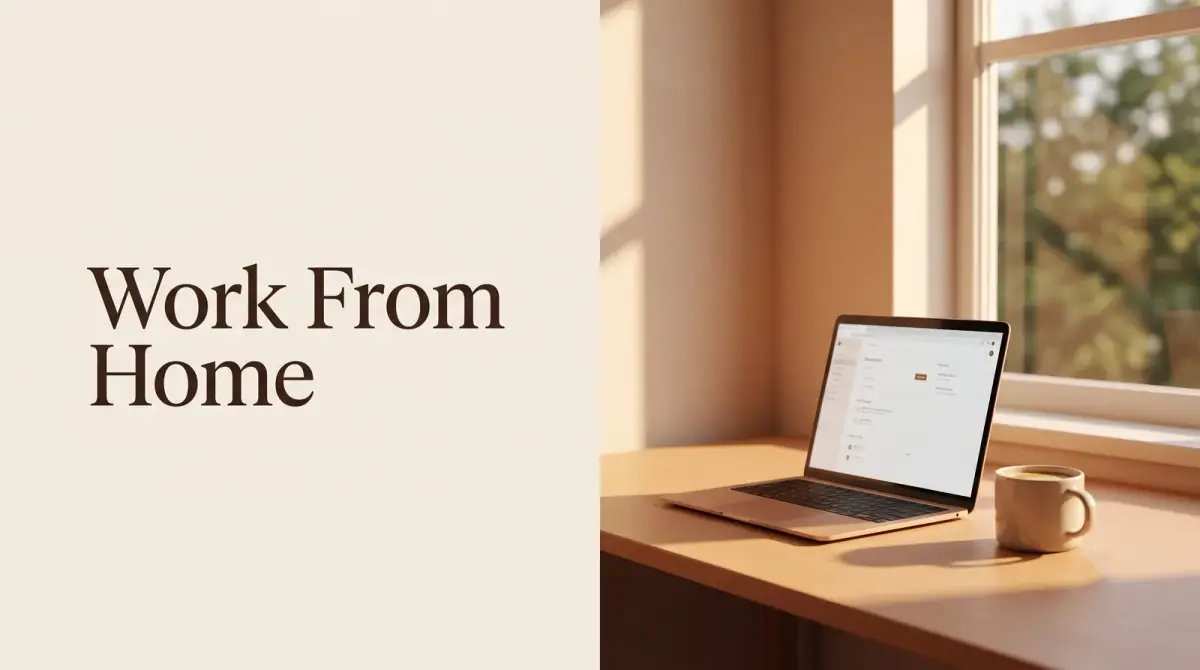
The short answer
Home full of distractions? Learn how to stay productive when working from home with a real routine, a proper workspace, and boundaries that keep you focused all day.
- Home lacks built-in structure, so you have to create it.
- A set routine tells your brain when to work.
- A dedicated workspace protects your focus.
- Clear boundaries keep work and life from blurring.
- Distractions shrink when you plan around them.
To stay productive when working from home, you need to replace the structure an office gives you for free. That means a consistent routine, a dedicated workspace, and clear boundaries between work and the rest of your life. Learning how to stay productive when working from home is mostly about building those guardrails yourself, since no one else will.
At home, no commute marks the start of the day and no coworkers signal when it ends. Without deliberate structure, work and home blur together and your focus quietly leaks away.
Here is the short version first:
- Home lacks built-in structure, so you have to create it.
- A set routine tells your brain when to work.
- A dedicated workspace protects your focus.
- Clear boundaries keep work and life from blurring.
- Distractions shrink when you plan around them.
Build a routine that starts your day
Without a commute, the line between sleep and work vanishes. A morning routine rebuilds that line and tells your brain it is time to focus.
Keep it simple and repeatable. The point is a clear signal that the workday has begun.
- Get up at a consistent time on workdays.
- Get dressed rather than staying in pajamas.
- Do a short start ritual, like a walk or coffee, before you begin.
That fake commute, even a ten-minute walk around the block, helps you switch into work mode and switch out of it later.
Set up a dedicated workspace
Where you work shapes how well you work. Trying to focus from the couch or bed blurs rest and work, and neither goes well.
Set aside a spot that is only for work, even if it is a corner of a table. Over time your brain links that space with focus, so settling in gets easier.
- Choose a spot with a door or clear edges if you can.
- Keep it stocked so you are not wandering off for supplies.
- Leave that space at the end of the day to signal you are done.
If you want to learn how to work from home well, a defined workspace is often the single biggest upgrade.
How to stay productive when working from home with clear boundaries
Boundaries are the core of how to stay productive when working from home. Without them, work bleeds into evenings and home tasks creep into work hours.
Set work hours and mostly stick to them. Tell the people you live with when you are available and when you are not.
- Start and stop at roughly the same times each day.
- Silence work notifications once you log off.
- Ask housemates or family not to interrupt during focus blocks.
Boundaries protect both sides. They keep you focused during work and let you truly rest after.
Tame the home distractions
Home is full of pulls that an office does not have: laundry, dishes, the TV, a comfortable bed. You cannot remove them all, so plan around them.
Do a quick tidy before you start so chores are not calling to you. Save personal errands for breaks or after work rather than mid-task.
Keep your phone in another room during focus blocks. Out of sight really does cut down on mindless checking, and it is one of the easiest wins available.
Structure your work with focus blocks
Freedom over your schedule is a gift, but it can turn into a whole day of half-focus. Structure keeps that from happening.
Work in focused blocks with short breaks between them. Decide your top tasks each morning so you are not drifting from one small thing to the next.
- Pick two or three priorities for the day.
- Work in focused stretches, then take a real break.
- Group small tasks like email into set times.
A loose plan gives your day a shape, which is exactly what a home office is missing.
Take real breaks and move
At home it is easy to sit for hours without noticing, which drains your focus and your body. Breaks are not slacking. They keep you sharp.
Step away from the desk on your breaks. Stretch, walk, or step outside for a few minutes of daylight instead of switching to another screen.
Movement matters even more without a commute or an office walk. A short daily walk protects both your energy and your mood.
Stay connected with others
Working from home online can get lonely, and isolation wears down motivation over time. Staying connected helps you stay engaged.
Keep in regular contact with coworkers through calls or messages. A quick check-in can replace some of the social energy an office gives.
If you work solo, a coworking session or a coffee shop now and then adds the presence of other people, which many find keeps them focused.
The bottom line
Figuring out how to stay productive when working from home comes down to building your own structure. Create a routine, claim a dedicated workspace, set clear boundaries, and plan around distractions. Pick one of these to set up this week. Results vary from person to person, so keep the pieces that fit your life and adjust the rest.


Comments
0 total