
The short answer
Dead zones at the far end of the house are fixable. Here is how to boost a weak Wi-Fi signal with placement, extenders, and mesh, starting from the cheapest fix.
- Move the router to a central, open, elevated spot first.
- Remove nearby obstacles and sources of interference.
- Use the 2.4GHz band for distance and 5GHz for nearby speed.
- Add a Wi-Fi extender for a single weak room.
- Choose a mesh system for whole-home coverage.
To boost a weak Wi-Fi signal in a far room, start with the cheapest fixes and work up only if you need to: move the router to a better spot, clear obstacles, then add an extender or a mesh system for stubborn dead zones. Learning how to boost wifi signal strength is mostly about giving the signal a clearer path and, when the distance is simply too great, adding a second source closer to the problem area.
The good news is that most weak spots are fixable without a new internet plan. Often the router is just in the wrong place or fighting through too many walls.
Here is the short version before we dig in:
- Move the router to a central, open, elevated spot first.
- Remove nearby obstacles and sources of interference.
- Use the 2.4GHz band for distance and 5GHz for nearby speed.
- Add a Wi-Fi extender for a single weak room.
- Choose a mesh system for whole-home coverage.
Why the signal weakens in a far room
Wi-Fi is radio, and radio fades with distance and obstacles. Every wall, floor, and large object between the router and your device chips away at the signal, so a room at the far end of the house naturally gets less.
Certain materials are worse than others. Brick, concrete, metal, and even large mirrors or water tanks block signal strongly, while thin interior walls barely matter. A far room behind two solid walls can feel much weaker than a closer one behind none.
Interference adds to the problem. Other networks, cordless devices, and appliances share the airspace, and the farther you are, the more that background noise competes with your already thinning signal.
How to boost wifi signal strength with placement first
Before you spend anything, try the single most effective free fix: move the router. Placement changes coverage more than most people expect.
Put it in the center
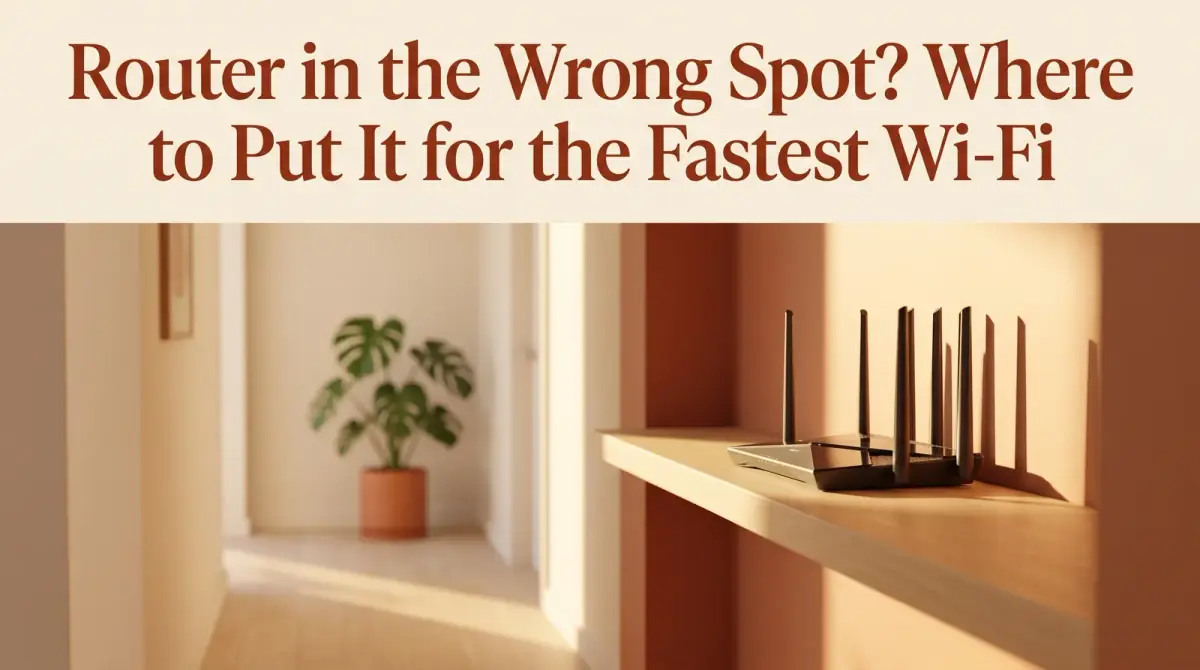
A router pushes signal outward in roughly all directions, so tucking it in a corner or a far room wastes half its reach on the outside wall. A central location spreads coverage more evenly across the home.
Get it up and in the open
Lift the router off the floor and out of cabinets or closets. An elevated, open shelf lets the signal travel freely, while enclosed spaces and thick furniture absorb it. Keep it away from large metal objects and appliances too.
Point antennas thoughtfully
If your router has adjustable antennas, standing them at slightly different angles can help the signal reach both across and between floors. Small tweaks here sometimes clear up a marginal room.
Fix weak Wi-Fi in a bedroom with quick tuning
A common complaint is weak Wi-Fi in a bedroom that sits far from the router. Once placement is optimized, a little tuning can push a marginal signal over the line.
Try connecting distant devices to the 2.4GHz band, which travels farther and passes through walls better than 5GHz. You trade some speed for a steadier connection, which is usually the right call in a far room. Keep 5GHz for devices close to the router where speed actually pays off.
It also helps to update the router's firmware and restart it occasionally, since a long-running router can get sluggish. Changing the wireless channel can reduce interference in a crowded building, and many routers can pick a cleaner channel automatically if you let them.
When to extend Wi-Fi range with an extender
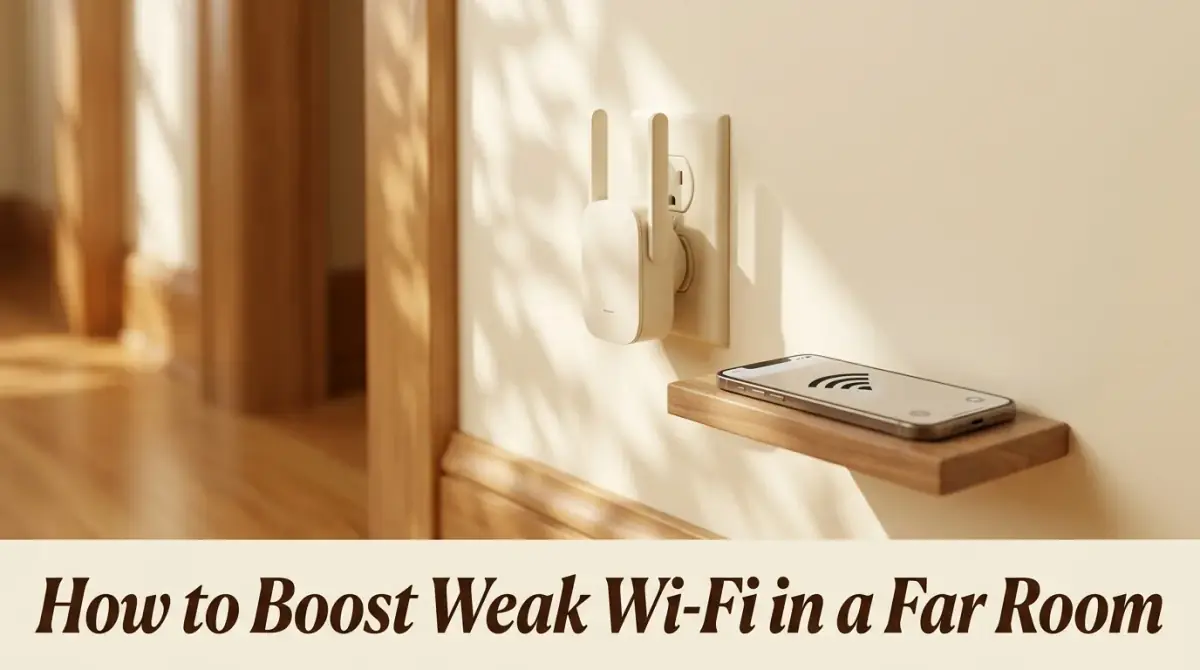
If placement and tuning still leave one room weak, it is time to extend the Wi-Fi range with extra hardware. The simplest option is a Wi-Fi extender, sometimes called a repeater or booster.
An extender picks up your existing signal and rebroadcasts it, effectively adding a second source partway to the dead zone. For the best result, place the extender where the signal is still decent, not inside the weak room itself, so it has something solid to relay.
Extenders are inexpensive and easy to set up, which makes them a sensible first purchase for a single problem room. Just keep expectations realistic, since a repeated signal is often somewhat slower than the original. For a distant bedroom used mainly for browsing and streaming, that trade is usually fine.
Fixing a Wi-Fi dead zone with mesh
When a home has several weak spots rather than one, a proper Wi-Fi dead zone fix often means a mesh system. Mesh replaces the single-router model with a set of units that blanket the home together.
Each mesh unit acts as a coordinated source of the same network, so you move through the house on one seamless connection instead of hunting for a stronger signal. Because the units talk to each other, coverage tends to be more even and reliable than a chain of separate extenders.
Mesh costs more than a single extender, so it is best suited to larger or multi-floor homes, or to anyone tired of dead spots in several rooms. For a big house, though, it is frequently the cleanest long-term answer.
A wired option worth considering
Wireless is not the only path to a far room. If you can run a network cable, or use adapters that send data over your existing electrical wiring, you can place a fresh Wi-Fi source right where you need it.
Powerline adapters, for example, carry the connection through the home's power lines to a distant room, where a second unit creates a strong local signal. This sidesteps the walls that block wireless entirely, which can outperform an extender in tricky layouts.
A wired backbone also gives mesh or extender units a faster link than relaying over the air. In homes where thick walls defeat wireless, this approach is often the most dependable of all.
A simple order to try things
Because fixes range from free to pricey, it pays to work through them in order. Start cheap and stop as soon as the far room works.
- Reposition the router centrally, high, and in the open.
- Reduce obstacles and interference around it.
- Put distant devices on 2.4GHz and update the firmware.
- Add an extender for a single weak room.
- Move to a mesh or wired setup for whole-home coverage.
Most people solve their problem within the first few steps. The later options are there for homes where distance and walls simply demand a second source of signal.
The bottom line
Knowing how to boost wifi signal strength in a far room is really about clearing the signal's path first, then adding hardware only when distance forces your hand. Move and elevate the router, cut interference, and use the right band before spending a cent. If a dead zone remains, an extender handles one room and a mesh or wired setup covers the whole home. Work from cheapest to costliest, and most far rooms come back to life.


Comments
0 total