
The short answer
A modem brings the internet into your home and a router shares it with your devices. Here is the plain difference between the two, whether you need both, and what a combo box really does.
- A modem connects your home to your internet provider.
- A router shares that one connection with all your devices, usually over Wi-Fi.
- Most setups need both, either as two boxes or one combined unit.
- A combo box is simpler, while separate devices give you more control and easier upgrades.
- Knowing which is which makes troubleshooting a slow connection much faster.
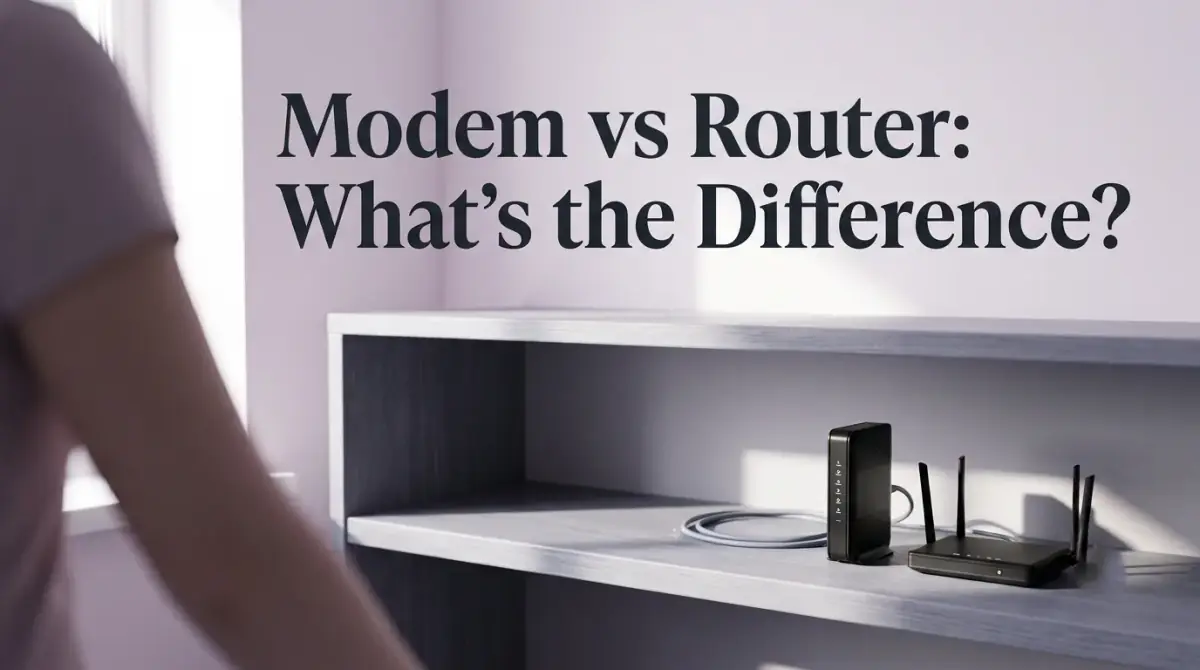
The simplest way to understand modem vs router is this: a modem brings the internet into your home, while a router shares that connection with all your devices. The modem is the bridge to your internet provider, and the router builds the Wi-Fi network your phone, laptop, and TV actually join. Most homes need both, though providers increasingly bundle the two into a single box.
People mix these two devices up constantly, partly because they often sit side by side and partly because a combined unit can hide the difference entirely. Once you know what each one does, however, the rest of your home network makes far more sense.
Here is the short version before we dig in:
- A modem connects your home to your internet provider.
- A router shares that one connection with all your devices, usually over Wi-Fi.
- Most setups need both, either as two boxes or one combined unit.
- A combo box is simpler, while separate devices give you more control and easier upgrades.
- Knowing which is which makes troubleshooting a slow connection much faster.
What a modem actually does
A modem is the device that connects your home to the wider internet. It takes the signal coming in from your internet service provider, whether that arrives over a cable line, a phone line, or fiber, and translates it into data your equipment can use. Without a modem, there is no internet reaching your home at all.
The name itself is a clue. Modem is short for modulator-demodulator, which describes how it converts signals back and forth between the format your provider sends and the format your devices understand. In short, it is the doorway, and everything online that reaches your house passes through it first.
A modem on its own, however, usually serves only one device at a time. That is exactly where the second device comes in.
What a router actually does
A router takes the single connection from the modem and shares it among all your devices. It creates your local network and, in most homes, broadcasts the Wi-Fi signal that your phones, laptops, smart speakers, and televisions connect to.
Think of the router as a traffic director. It decides which data goes to which device, so a video streaming on the TV and a file downloading on your laptop do not collide. It also assigns each device an address on your home network so information reaches the right place.
Because the router builds the network, it is also where most of your security and convenience settings live, from the Wi-Fi name and password to guest networks and parental controls. A router without a modem, though, has no internet to share. It can link your devices to each other, but it cannot reach the outside world on its own.
Modem vs router: the difference at a glance
So the core difference between a modem and a router comes down to direction and job. The modem faces outward toward your provider and brings the internet in. The router faces inward toward your home and spreads that connection around.
Here is the contrast in plain terms:
- The modem connects to your internet provider, while the router connects to your devices.
- The modem provides one internet feed, while the router splits it among many gadgets.
- The modem rarely has settings you touch, while the router is full of them.
- The modem handles the outside line, while the router handles your Wi-Fi.
One device brings the internet to the door, and the other carries it through the house. That single idea explains almost everything about how the two work together.
Do I need both a modem and a router?
A common question is whether you need both, and for most homes the answer is yes. You need a modem to receive the internet and a router to share it wirelessly with more than one device.
There are a few exceptions. If you only ever plug one computer directly into the modem with a cable and never use Wi-Fi, a router is not strictly required. That setup is rare today, however, because nearly every home now has several wireless devices running at once.
Some internet providers hand you equipment that already contains both, which is why many people never see two separate boxes. Whether it is one unit or two, both functions still have to be present for Wi-Fi to work across your home.
What a modem router combo does
A modem router combo is a single device that performs both jobs at once. It receives the internet like a modem and shares it wirelessly like a router, all inside one box. Providers favor these because they are tidy and simple to set up.
The appeal is obvious. One device means fewer cables, one power outlet, and a single thing to position. For a lot of households, especially smaller ones, a combo unit is perfectly capable and keeps the whole setup uncluttered.
The trade-off is flexibility. When two functions live in one box, upgrading or replacing just one of them is not possible. If the Wi-Fi feels weak but the internet line is fine, you cannot simply swap the router half. You either live with it or replace the entire unit.
Separate boxes or a combo: which suits you?
Choosing between separate devices and a combo really depends on how much control you want. Neither option is wrong; they simply fit different needs.
A combo box suits you if you value simplicity, have a smaller space, and are happy with whatever your provider supplies. It is the least fussy option and works well for everyday browsing, streaming, and video calls in a modest home.
Separate devices suit you if you want stronger or more customizable Wi-Fi, plan to cover a larger home, or like being able to upgrade one piece without touching the other. A standalone router often offers more advanced features and better coverage than the router built into a basic combo. For example, replacing an aging router while keeping your existing modem is far cheaper than buying a whole new combined unit.
How to tell which device is causing a problem
Understanding the two devices also makes fixing a bad connection much faster. When something goes wrong, the symptoms often point to one device or the other.
If no device in the house can get online at all, the issue is more likely the modem or the line coming from your provider. If the internet works on a wired connection but Wi-Fi is dropping or weak in certain rooms, the router side is the more likely suspect. Restarting the modem first, then the router, resolves a surprising number of everyday glitches.
With a combo box, you cannot separate the two as cleanly, so a restart of the single unit is usually the first step. Either way, knowing which function does what saves you from guessing blindly.
The bottom line
In short, the modem vs router question has a simple answer: the modem brings the internet into your home, and the router shares it with your devices. Most homes need both, whether as two boxes or one combined unit. A combo keeps things simple, while separate devices give you more control and easier upgrades. Once you know which does what, setting up, choosing, and troubleshooting your home network all get a great deal easier.

Comments
0 total