
The short answer
Eye strain from screens explained: why blinking drops, how the 20-20-20 rule works, screen setup that helps, and the truth about blue-light glasses.
- Dry, gritty eyes, or paradoxically watery ones
- Headaches, usually across the forehead or behind the eyes
- Blurred or slow-to-adjust vision, particularly by late afternoon
- Aching neck and shoulders from craning toward the screen
- A general sense that your eyes are simply tired of being eyes
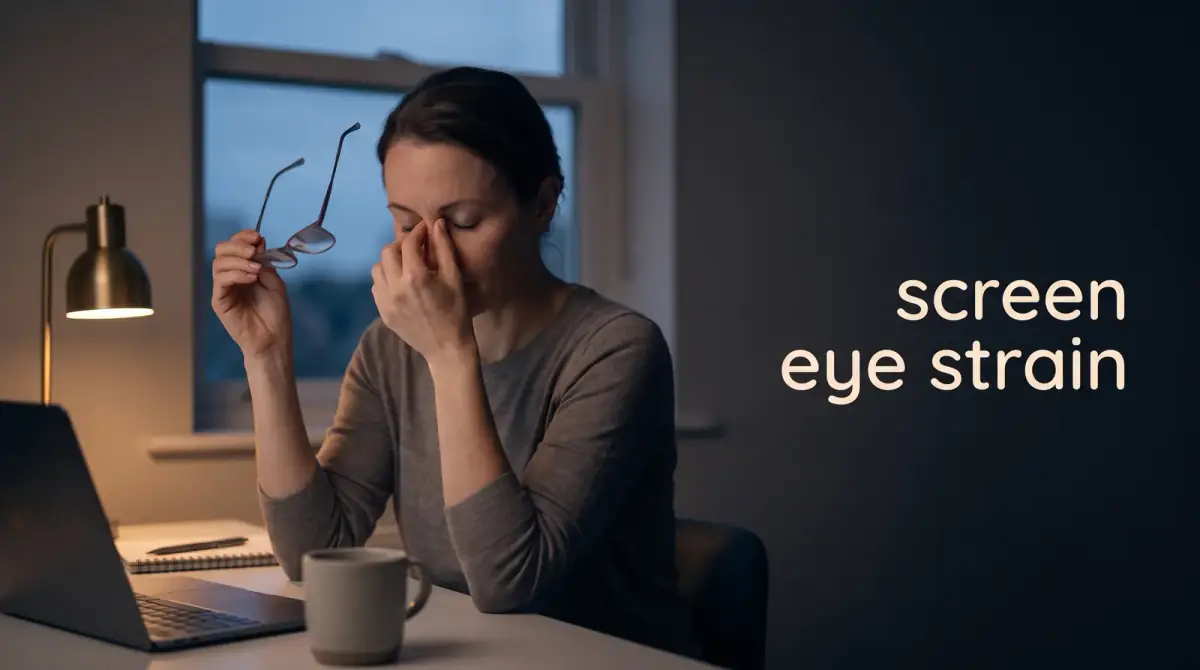
By six in the evening your eyes feel like someone has quietly replaced them with a pair slightly too large for the sockets. There is a dull ache behind your eyebrows, the text on your monitor has gone soft at the edges, and your neck has developed opinions. If that sounds familiar, you are dealing with eye strain from screens — and the fix is far more boring, and far more effective, than the internet suggests.
The short answer: your screen is not damaging your eyes, but the way you use it exhausts the muscles that focus them and dries out the surface that keeps them comfortable. Relief comes from taking regular focus breaks, positioning your screen properly, and blinking more than you currently do. Almost none of it involves buying anything.
What is digital eye strain, really?
Digital eye strain, sometimes called computer vision syndrome, is not a disease. It is a collection of symptoms caused by asking your visual system to do one demanding job for hours without variation.
Focusing on something close requires sustained muscular effort inside the eye. Hold any muscle in one position for eight hours and it will complain. That complaint shows up as:
- Dry, gritty eyes, or paradoxically watery ones
- Headaches, usually across the forehead or behind the eyes
- Blurred or slow-to-adjust vision, particularly by late afternoon
- Aching neck and shoulders from craning toward the screen
- A general sense that your eyes are simply tired of being eyes
The reassuring part is that these symptoms are temporary and reversible. There is no good evidence that ordinary screen use causes permanent damage to adult eyes.
Why you stop blinking at a screen
This is the mechanism most people have never heard, and it explains more than anything else. When we concentrate on a screen, our blink rate drops substantially — and the blinks we do manage are often incomplete, with the lid never fully closing.
Blinking is how the eye resurfaces itself with tear film. Blink less and that film evaporates, leaving the surface dry, rough and irritated. Hence the grittiness, and hence the strange watering, which is your eye over-correcting.
Screen position makes it worse. A monitor set high forces you to open your eyes wider, exposing more surface to the air and speeding up evaporation. Dropping the screen so you look slightly downward at it narrows the aperture and helps almost immediately.
How does the 20-20-20 rule work?
The rule is simple: every 20 minutes, look at something roughly 20 feet away for at least 20 seconds. That is about six metres, so in most rooms the far wall or a window will do.
The point is to let the focusing muscle relax and to trigger a few proper blinks. Twenty seconds is short enough to be realistic and long enough to matter.
The hard part is remembering. Willpower fails here reliably, so attach it to something external.
- Set a repeating timer on your phone or watch and let it nag you
- Use the end of every meeting or call as an automatic cue
- Move your water glass out of reach so refills force you up regularly
- Keep something genuinely interesting in your distance view — a window beats a blank wall
Setting up your screen properly
Most people work in a setup they inherited by accident. Ten minutes of adjustment does more for eye comfort than any product on the market.
Distance and height
Sit roughly an arm's length from your monitor — further than feels natural at first. The top of the screen should sit at or just below eye level, so your gaze travels slightly downward. If you use a laptop all day, a stand plus a separate keyboard fixes both your eyes and your neck at once.
Brightness and contrast
Match your screen brightness to the room around it. A screen glowing like a lantern in a dim room forces constant pupil adjustment; a dim screen in bright daylight makes you squint and lean in. If your display looks like a light source rather than a page, turn it down.
Text size and glare
Make the text bigger. People resist this out of some vague sense that small text is more professional, then spend the day leaning forward. Increase it until reading requires no effort at all.
For glare, position your monitor perpendicular to windows rather than facing or backing onto them, and avoid a bright light directly behind the screen. A matte finish helps if you are buying new.
Do blue-light glasses actually help?
Here is the honest verdict: the evidence that blue-light filtering lenses relieve digital eye strain is weak. Reviews of the available trials have generally found little benefit for symptoms compared with ordinary lenses.
That is not to say people who wear them are imagining things. The glasses are often bought alongside better habits, and the placebo effect is real and free. But if your eyes hurt, the money is better spent on a monitor stand.
Blue light and sleep is a separate question with better support. Bright screens late at night can nudge your body clock, so dimming devices in the evening is sensible — though the timing of use probably matters more than the wavelength.
Daily habits that reduce eye strain from screens
Dryness is the single biggest driver of screen-related discomfort, and the environment plays a larger role than most people credit.
- Move away from direct airflow — air conditioning vents, fans and car heaters dry the eye surface fast
- Add humidity in winter if your heating leaves the air parched
- Drink enough water across the day; dehydration shows up in your eyes
- Use preservative-free artificial tears if you need drops frequently, and ask a pharmacist which type suits you
- Practise deliberate full blinks: several slow, complete closures whenever you remember
Contact lens wearers tend to suffer more. Giving your eyes a glasses day now and then, particularly on heavy screen days, often helps more than any drop.
What about children and screens?
Children get the same symptoms and are much less likely to mention them. They will simply move closer to the screen, rub their eyes, or become irritable.
The bigger concern with children is not strain but the rise in short-sightedness, which appears to be linked to close-up work and, importantly, to time spent indoors. Time outdoors in daylight seems genuinely protective for developing eyes. It is one of the few interventions with real support behind it, and it costs nothing. Regular eye tests matter too, since children rarely realise their vision has changed.
When should you see an optometrist?
Most screen fatigue resolves with better habits within a week or two. Some symptoms should not be self-treated at all. Book an appointment promptly if you notice:
- Sudden vision changes, or a curtain or shadow across your field of view
- A new flurry of floaters, or flashes of light
- Double vision, or eye pain that is genuinely painful rather than tired
- Redness with discharge, or new sensitivity to light
- Headaches and blurring that persist despite a well-set-up workspace
Persistent strain is frequently just an uncorrected prescription, and many adults need a small correction for close work without ever suspecting it. A routine eye test settles it.
The takeaway
Set a 20-minute timer, drop your monitor a few centimetres, make the text bigger, and blink like you mean it. Those four changes cost nothing and resolve the majority of screen-related discomfort.
Save your money on the filtering glasses, spend it on a monitor stand instead, and if things do not improve within a fortnight, book the eye test you have been putting off for years.



Comments
0 total